Add analytics to your app with an AI coding agent
Coding agents are good at adding an SDK. What they can't decide for you is what's worth recording, and that's where most first attempts go wrong: either nothing useful is tracked, or everything is, and the dashboard is noise. This guide keeps it small. It uses Apparent, but the advice about what to track works with any tool.
Steps
- Pick three to five actions. Write down the moments that mean the app is working: signing up, doing the main thing once (adding a plant, logging a workout), opening the paywall, buying. Screens, opens, updates and crashes are recorded for you, so leave them out.
- Get your key. Join the Apparent waitlist. When your spot opens you get the SDK and a key for each app.
- Give your agent the prompt. Open Claude Code, Cursor or Codex in your app's folder and paste the prompt below, with your app id, your key and the actions from step one.
- Read the diff. Check that init runs once before the app renders, that the screen hook sits in the root layout, and that the agent didn't add a second analytics tool.
- Try it on your phone. Run a release build, open a few screens and do your main action. Events arrive within seconds. The prompt turns the SDK off in development builds, so your own testing doesn't count.
- Connect the stores. In Apparent, connect App Store Connect, Google Play and RevenueCat once. Downloads, reviews and sales appear next to what people do, with no more code.
The prompt
Add Apparent analytics to this Expo app.
- Install the Apparent SDK (apparent-expo) I was sent with my key.
- Call Apparent.init({ app: "<my app id>", key: "<my key>", disabled: __DEV__ }) once, before the app renders.
- In the root layout, call useApparentScreens() from "apparent-expo/router" so every screen is recorded.
- Track the few actions that matter with Apparent.track("<name>"): signing up, the app's main action, opening the paywall.
- If the app uses RevenueCat, call await Apparent.linkRevenueCat(Purchases) after Purchases is configured.
- Don't add any other analytics tool. Show me the diff when you're done.
What not to track
- Every tap. You'll drown in events and learn nothing; name the few that matter.
- Names, emails or anything typed into the app. You don't need them to know how the app is doing.
- The same action under two names (plant_added and add_plant). Pick one and keep it.
Then ask your agent how the app is doing
Add Apparent's MCP server to your agent and it can answer "how did my app do this week?" or "who bought, and what did they do first?" with the same plain sentences you see in Apparent.
claude mcp add --scope user --transport http apparent <your Apparent address>/mcp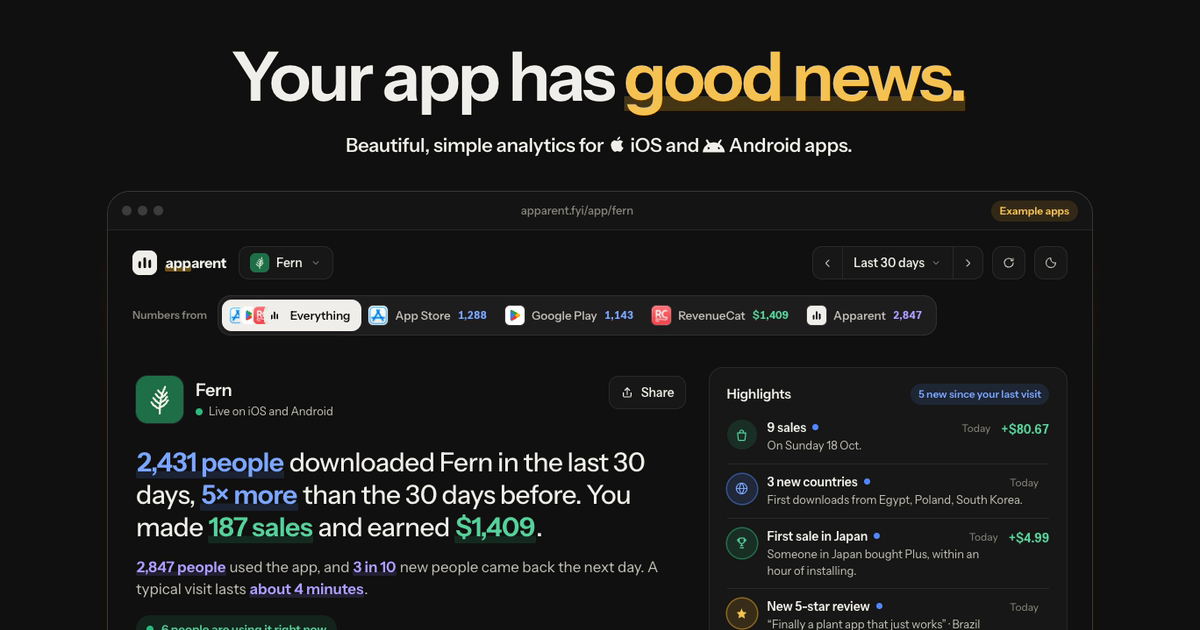
Questions
How long does it take?
About ten minutes, most of it choosing what to track and trying it on a phone.
Which agents can do this?
Any coding agent that edits your project: Claude Code, Cursor, Codex, Windsurf, Copilot and others.
Does it work in Expo Go?
Yes. The SDK has no native code of its own.
What does the SDK record without being told?
First opens, each visit, updates, time in the app, every screen in Expo Router, and crashes.
Will events get lost if the phone is offline?
No. Every event is saved on the phone first, and up to 1,000 wait until there's a connection.