How to connect App Store Connect to Google Sheets
App Store Connect has no Google Sheets button. What it has is downloadable reports and an API that serves the same reports, one day at a time. Here's how to get your downloads and sales into a sheet by hand in a few minutes, and how to make it refresh by itself.
Steps
- Download a sales report by hand. In App Store Connect, open Sales and Trends › Reports, pick Sales, Summary and Daily or Weekly, and download. You get a gzipped, tab-separated text file per day or week.
- Import it. Unzip the file, then in Google Sheets use File › Import › Upload and choose Tab as the separator. Each row is one product in one country, with units and proceeds.
- For a daily refresh, make an API key. In Users and Access › Integrations › App Store Connect API, make a key with the Sales, Finance or Admin role. Download the .p8 file (Apple shows it once) and note the Issuer ID and Key ID. Your vendor number is at the top left of Payments and Financial Reports.
- Pull the report from a script. Sign a JWT (ES256, at most 20 minutes) with the .p8 key and call /v1/salesReports with frequency DAILY, report type SALES, subtype SUMMARY, your vendor number and the day. The answer is the same gzipped file as the download. Yesterday's report is usually there the next morning.
- Append it to the sheet. Unzip, keep the columns you need and append the rows through the Google Sheets API. Run it once a day on a server, a cron job or a GitHub Action.
Why not Google Apps Script?
Apps Script can only sign with RSA keys, and the App Store Connect API wants an ES256 signature from your .p8 key. So the script that fetches the report usually runs somewhere else and writes into the sheet, or a connector does it.
Reading the rows
- Updates and redownloads are in the same report. Product types 7, 7F and 7T are updates and 3, 3F and 3T redownloads; leave them out to count first-time downloads.
- Proceeds are what you keep after Apple's fee, in the currency shown on each row. Convert before you add countries together.
- Impressions, product page views and where people found the app aren't in sales reports. They come from App Analytics, through the API's analytics reports, which Apple takes a day or two to prepare the first time.
If you only want to know how the app is doing
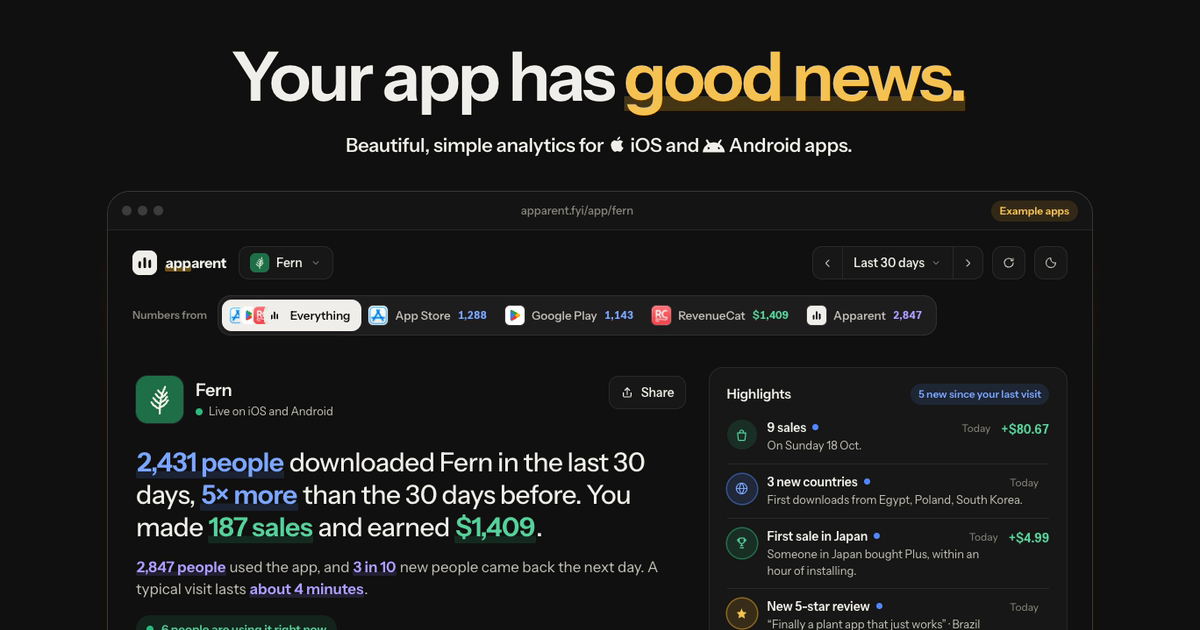
Apparent reads the same App Store Connect reports with your key every day, adds Google Play and RevenueCat, and tells you in a sentence how each app did. No sheet to keep up.
Questions
Can I connect App Store Connect to Google Sheets for free?
Yes. Download the sales reports by hand and import them, or run your own script against the App Store Connect API. Both are free.
Which API key role do I need?
Sales, Finance or Admin. A key without one of those can list your apps but can't download sales reports.
Why is today missing?
Apple makes each day's sales report after the day ends, usually by the next morning in the US. Today's numbers aren't in any report yet.
Can I get Google Play numbers into the same sheet?
Yes. Google Play puts its reports in a Cloud Storage bucket you can read with a service account; the App Store Connect and Google Play page explains reading both together.
Also read
- App analytics for solo developers
- Analytics for apps you built with AI
- Add analytics to your app with an AI coding agent
- The best analytics tool for apps built with Cursor
- How to export Apple Ads data to Sheets, Looker Studio or Tableau
- An MCP server for your app's analytics
- The best analytics for your first app
- Expo analytics, without a native build
- Ionic analytics, without Firebase
- App analytics without the ATT prompt
- Privacy-first analytics for mobile apps
- SDKs for iOS, Android, React Native, Flutter and Capacitor
- Apparent compared with Mixpanel, PostHog, Amplitude and Firebase