How to export Apple Ads data to Sheets, Looker Studio or Tableau
Apple Ads shows spend, taps and installs on its own site, but most people want those numbers next to the rest of their data: in a spreadsheet, a Looker Studio report or a Tableau dashboard. There are three ways to get them out. A CSV by hand is free and takes a minute; the API refreshes by itself but needs a small script; a connector does it for you for a monthly fee.
Steps
- Download a report by hand. On the Apple Ads site, open your campaigns, ad groups, keywords or search terms, pick the dates and download the table as a CSV. Custom reports under Reports give you more columns and a day-by-day split.
- Load the CSV. Google Sheets: File › Import › Upload. Looker Studio: add data with the File Upload connector. Tableau: connect to a Text file. Each new week means a new download.
- For a daily refresh, make an API user. In Apple Ads, go to Account Settings › API, invite an API user with the API Account Read Only role, and paste a public key you made (an EC P-256 key pair). Apple then shows a clientId, teamId and keyId.
- Sign in from a script. Your script signs a short-lived client secret (a JWT, ES256) with the private key, swaps it for an access token at appleid.apple.com, and asks the Apple Ads API for a report per day. Build on the new Apple Ads Platform API: the older Campaign Management API v5 is switched off on 26 January 2027.
- Write the rows where your report reads them. Append each day to a Google Sheet through the Sheets API, or to BigQuery or Postgres for Looker Studio and Tableau. Run it once a day, on a server, a cron job or a GitHub Action.
Why not Google Apps Script?
Apps Script can only sign with RSA keys, and Apple Ads wants an ES256 signature. That's why most Apple Ads exports run as a small Python or Node script somewhere else, or through a connector, rather than inside the spreadsheet.
Connectors
Data connector services such as Supermetrics and Windsor.ai sell ready-made Apple Ads connectors for Google Sheets, Looker Studio and Tableau. You sign in with Apple Ads and pick the columns; they refresh on a schedule. Worth it if you also pull other ad networks into the same report.
What the export won't tell you
- What people did after the install. Apple counts the install; whether they opened the app, came back or paid is in your app and in RevenueCat, not in Apple Ads.
- How the ads compare with every other download. App Store Connect has the total, Apple Ads has its part, and joining them by day, app and country is up to you.
- Days line up only roughly. Apple Ads uses your ad account's time zone and counts an install up to 30 days after the tap, so a day in Apple Ads and a day in App Store Connect rarely match exactly.
If what you want is "did the ads pay back?"
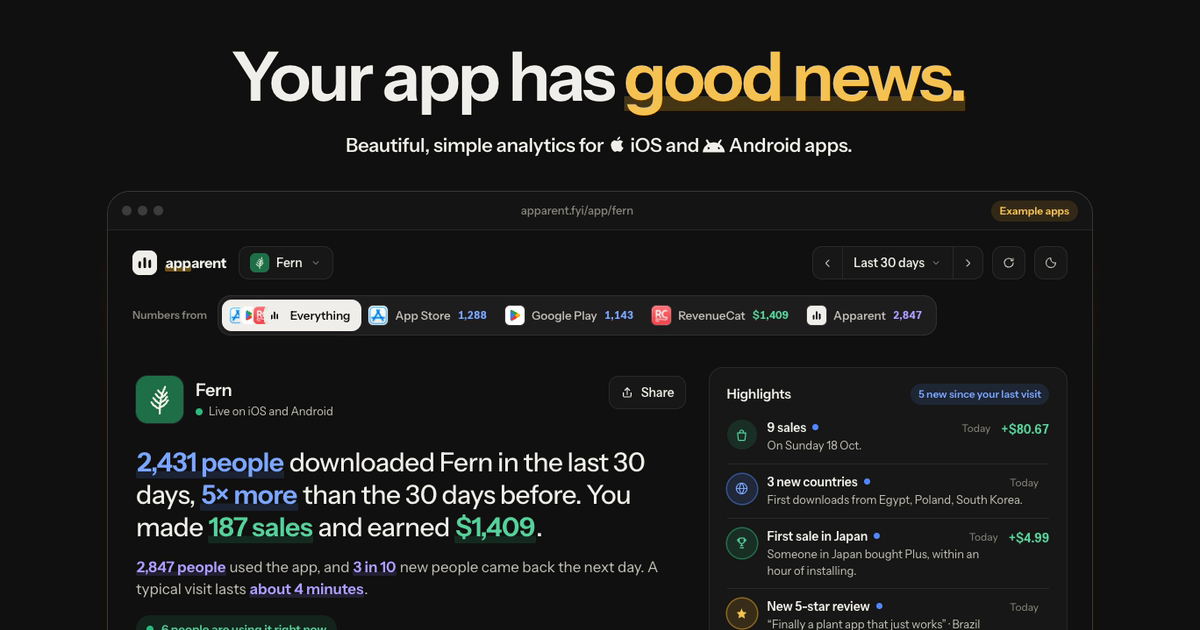
That's what Apparent does without a spreadsheet. Connect Apple Ads once and each campaign's spend sits on your app's own chart, next to every other download, and with RevenueCat it says who paid and whether the ads earned back what they cost.
Questions
Can I export Apple Ads data for free?
Yes. Download the campaigns, keywords or search terms table as a CSV from the Apple Ads site and import it. The API is free too; only connectors cost money.
Can I export Apple Ads search terms?
Yes. In Apple Ads Advanced, the search terms view and custom reports show which searches led to taps and installs, and both download as CSV.
Is there a native Apple Ads connector for Looker Studio?
Google doesn't make one. Use a CSV with the File Upload connector, write the API data to BigQuery or a Google Sheet that Looker Studio reads, or a paid partner connector.
Why don't Apple Ads installs match App Store Connect downloads?
Apple Ads counts installs from people who tapped an ad, up to 30 days later, in your ad account's time zone. App Store Connect counts every download by the day it happened. They answer different questions.
Which Apple Ads API should I use?
The Apple Ads Platform API. The older Campaign Management API v5 stops working on 26 January 2027.
Also read
- App analytics for solo developers
- Analytics for apps you built with AI
- Add analytics to your app with an AI coding agent
- The best analytics tool for apps built with Cursor
- How to connect App Store Connect to Google Sheets
- An MCP server for your app's analytics
- The best analytics for your first app
- Expo analytics, without a native build
- Ionic analytics, without Firebase
- App analytics without the ATT prompt
- Privacy-first analytics for mobile apps
- SDKs for iOS, Android, React Native, Flutter and Capacitor
- Apparent compared with Mixpanel, PostHog, Amplitude and Firebase